 Mood Note
What is voice journaling?
Voice journaling means speaking your diary instead of writing it. You talk through your day the way you'd tell a friend, and the app turns your words into a written entry.
It's a good fit if you think faster than you type, write at the end of a long day, or simply find a blank page harder than a conversation.
Why people keep a voice diary
- It's faster. Most people speak about three times faster than they type on a phone.
- It captures how you felt. Your tone of voice holds things the text alone can't. Keeping the recording lets you hear it again later.
- It works when you're tired. Lying in bed or walking home, you can still get today down.
- It lowers the bar. "Just talk for two minutes" is an easier habit to keep than "write a page".
How it works in Mood Note
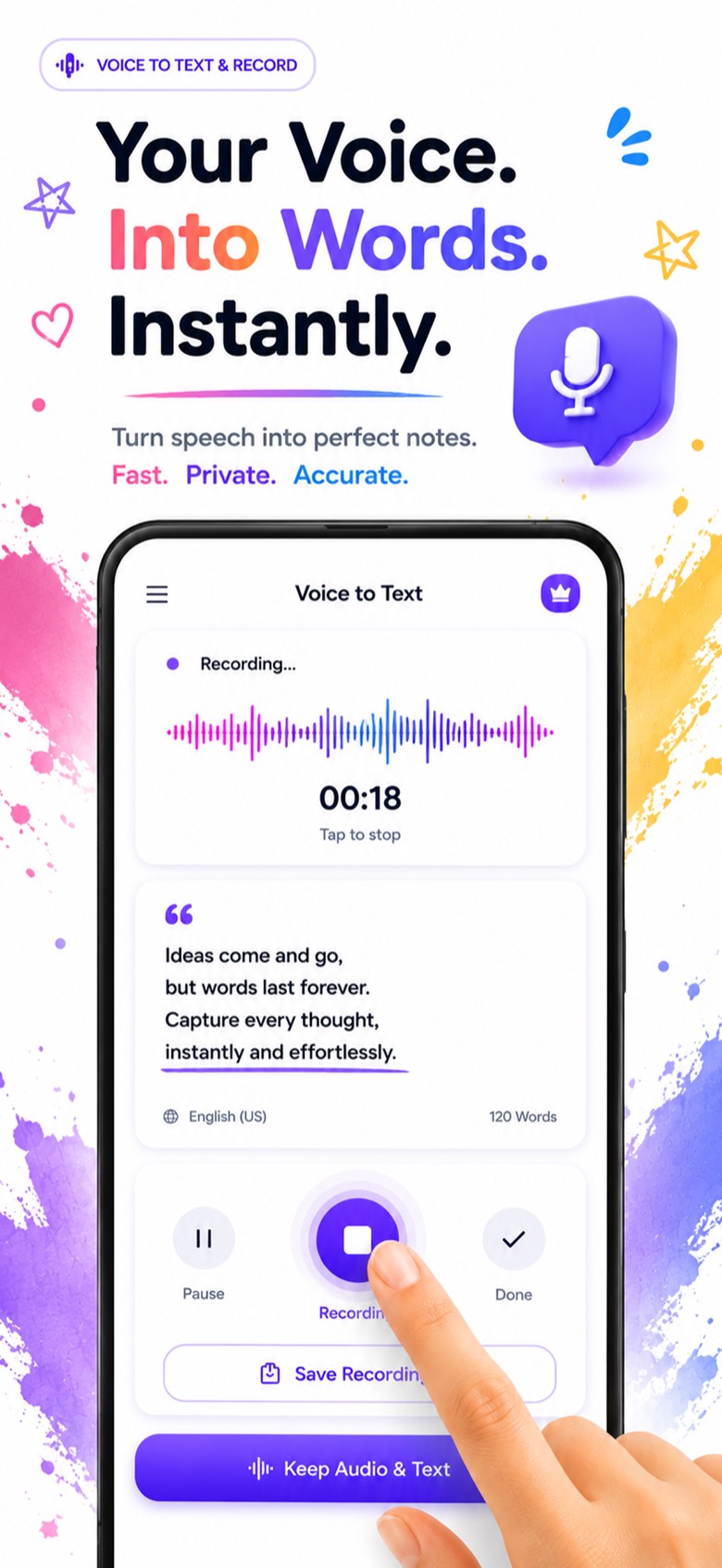
- Tap the microphone in a diary entry.
- Start talking. Your words appear on screen as you speak, using Apple's built-in speech recognition.
- Pause whenever you need and pick up where you left off.
- Keep audio and text. Save both, so the entry has the written words and your voice.
10 voice journal prompts to get started
Stuck on what to say? Pick one and talk for a minute:
- What was the best moment of today?
- What's taking up most of your head right now?
- Who did you talk to today, and how did it feel?
- What are you looking forward to this week?
- What drained your energy today, and what gave it back?
- Describe where you are right now: sounds, light, how you feel.
- What's one thing you'd do differently today?
- Name three small things you're grateful for.
- What would you tell yourself from a year ago?
- What do you want to remember about this day?
Tips for better voice entries
- Find a quiet spot. Background noise makes transcription less accurate.
- Speak naturally. You don't need to dictate punctuation. Fix small mistakes afterwards if you want.
- Keep it short. Two honest minutes beats ten minutes you'll put off.
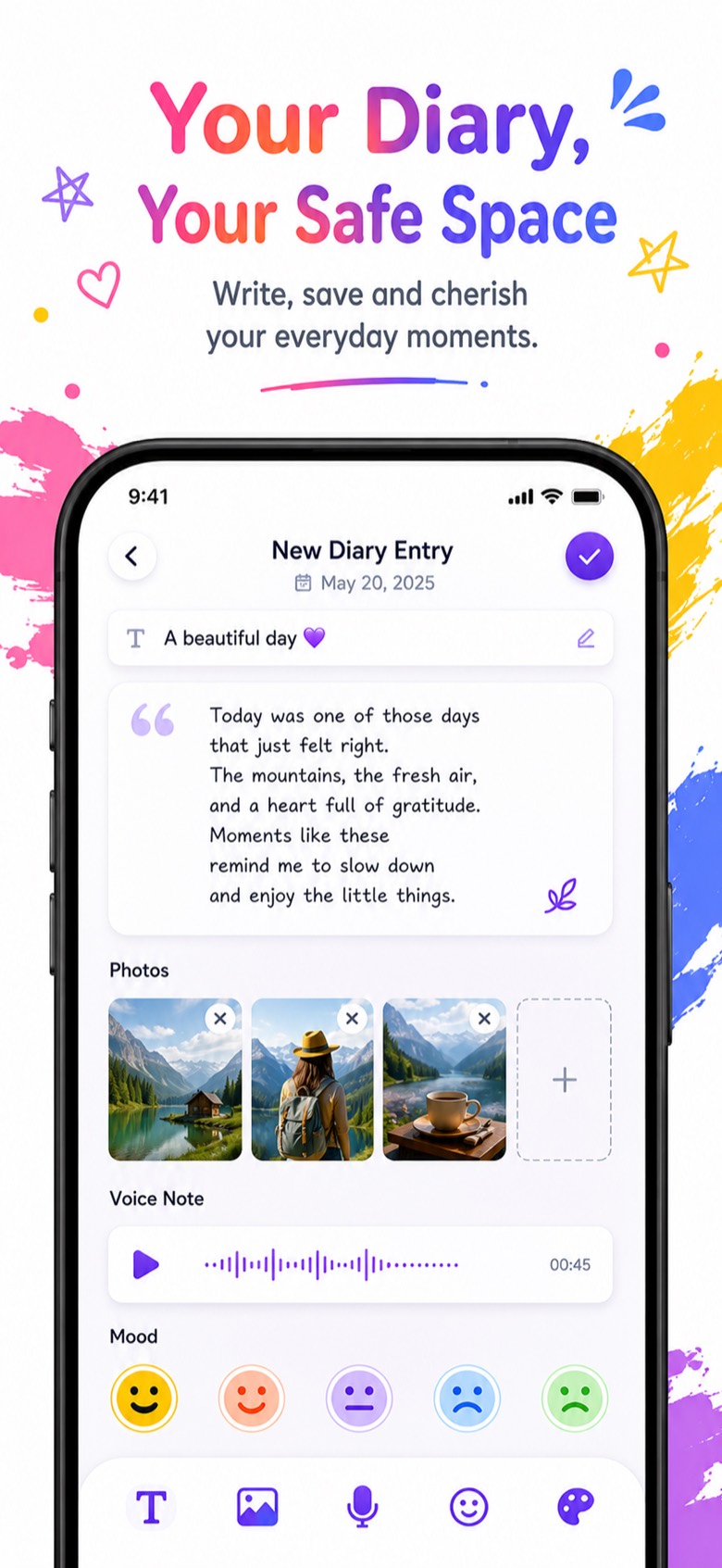
- Add a photo. A picture plus a voice note brings the day back better than either on its own.
Your voice entries are as private as the rest of your diary. See how the passcode and Face ID lock works.
Frequently asked questions
Can I write diary entries with my voice?
Yes. Tap the microphone in Mood Note and speak. Your speech is turned into text as you talk, and you can keep the recording with the entry.
Does Mood Note keep the audio recording?
Yes, you can save the audio and the transcribed text together, so you can read the entry or listen to it later.
Can I pause while recording?
Yes. Pause, take a breath, and continue in the same entry before you save.
Which iPhones does it work on?
Any iPhone running iOS 14 or later. Speech-to-text uses Apple's built-in speech recognition.